
Download TUGZip – Free Multiformat Archiving Tool for Windows
TUGZip is a lightweight, reliable, and fully functional archiving utility designed exclusively for Windows users. With support for a wide range of archive formats including ZIP, RAR, 7Z, TAR, GZ, and more, TUGZip offers a seamless experience for compressing and extracting files without the need for multiple tools. Since its debut in 2007, it has gained popularity across Asia, especially in India, Malaysia, and Indonesia, with over 316,000 downloads to date. Despite its last update in 2008, TUGZip remains a trusted choice for users seeking a simple, fast, and secure file compression solution. This free software is ideal for both beginners and advanced users who value efficiency and minimal system resource usage.
Key Features of TUGZip
One of the standout features of TUGZip is its multiformat support, making it a one-stop solution for managing various archive types. Whether you're working with ZIP files from email attachments, RAR archives from torrent downloads, or compressed TAR/GZ packages from Linux-based systems, TUGZip handles them all with ease. The software’s intuitive interface ensures that even users with minimal technical knowledge can navigate through compression and extraction tasks without confusion.
Another major advantage is its minimal system footprint. Unlike many modern archiving tools that consume significant RAM and CPU, TUGZip runs efficiently on older Windows systems, including Windows 95 and later versions. This makes it an excellent option for users with legacy hardware or those who prefer lightweight applications. Its compact size—often under 1MB—means it installs quickly and doesn’t clutter your system.
Security is also a priority. TUGZip supports password protection for archives, ensuring sensitive files remain private. It also maintains file integrity during compression and extraction, reducing the risk of corruption. Additionally, the software integrates seamlessly with Windows Explorer, allowing you to right-click on any archive file and access TUGZip’s functions directly from the context menu. This level of integration significantly enhances productivity, especially when dealing with frequent archive operations.
Installation & Usage Guide for TUGZip
Getting started with TUGZip is straightforward and requires no technical expertise. First, visit the official download page and select the appropriate version for your Windows system. The software is available as a standalone executable, meaning there’s no need for a traditional installer. Simply download the .exe file and run it to begin the setup process.
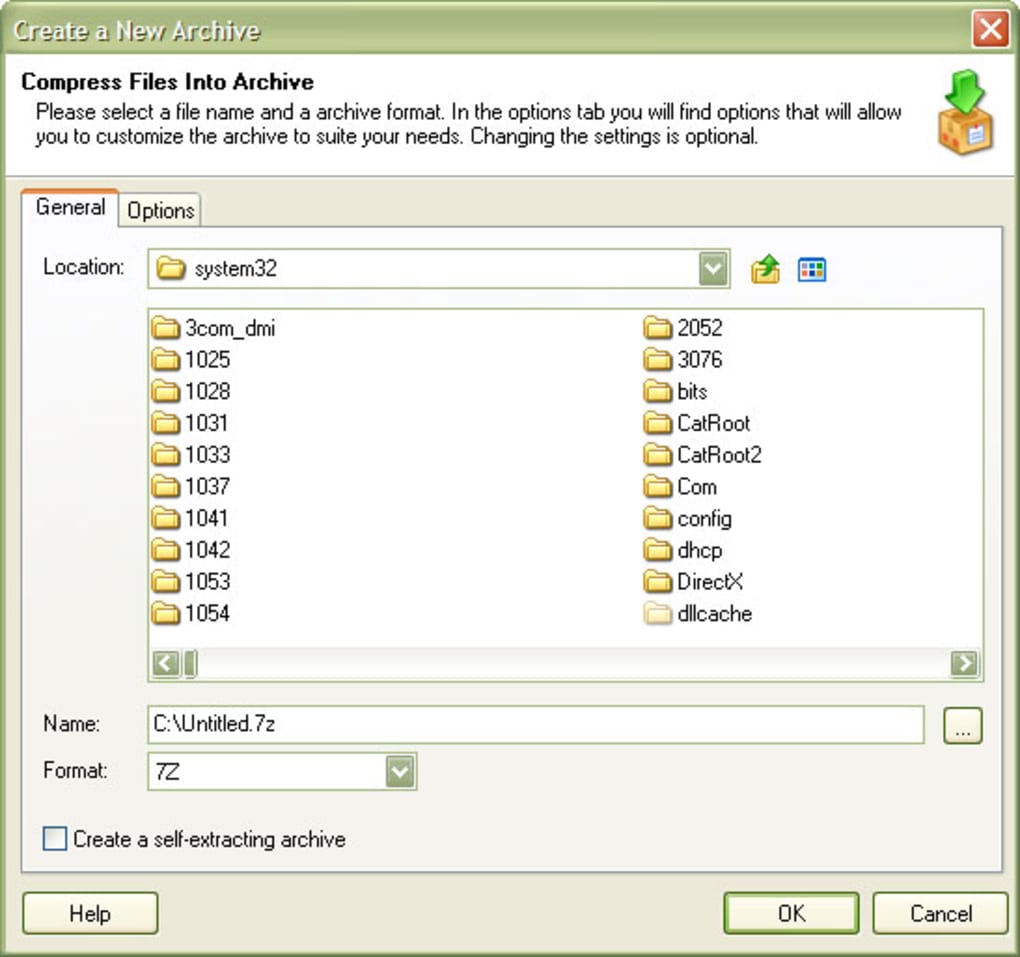
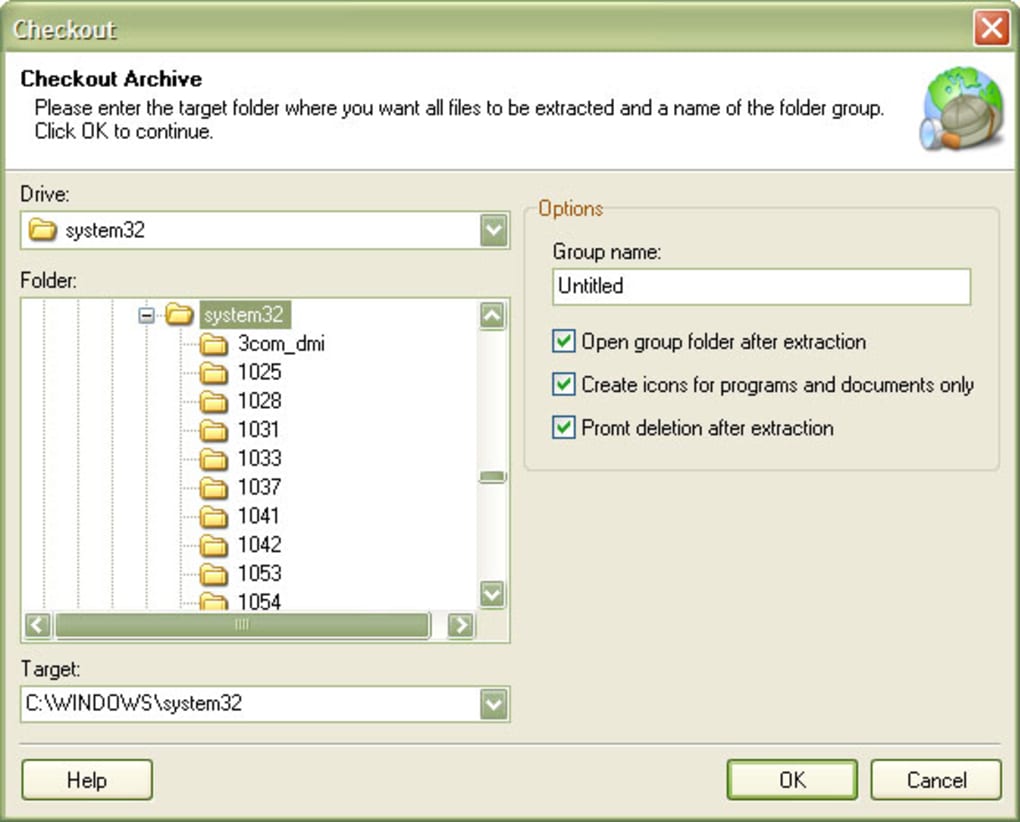
Once launched, TUGZip presents a clean, minimal interface that focuses on core functions: creating new archives and extracting existing ones. To create a ZIP file, select the files you want to compress, right-click, and choose “Add to Archive” from the context menu. You can set a password, choose compression level, and specify the output location—all within a few clicks. For extraction, simply right-click any archive file and select “Extract with TUGZip.” The tool will decompress the contents into a designated folder, preserving the original directory structure.
One of the most user-friendly aspects is the drag-and-drop functionality. You can drag files directly into the TUGZip window or onto the taskbar icon to compress them instantly. This feature is particularly helpful when managing large numbers of files. Additionally, TUGZip supports batch processing, allowing you to compress or extract multiple archives at once, saving valuable time during bulk operations.
Compatibility & System Requirements
TUGZip is designed specifically for Windows operating systems, with full compatibility across a wide range of versions. It supports Windows 95, 98, ME, NT, 2000, XP, Vista, and Windows 7. This broad compatibility makes it an ideal choice for users still running older systems or those who need a tool that works across multiple generations of Windows environments.
Despite being last updated in 2008, TUGZip continues to function reliably on modern Windows systems, thanks to its lightweight architecture and minimal use of system APIs. However, users should note that it does not support newer features like UAC (User Account Control) prompts or high-DPI scaling, which may cause minor display issues on Windows 10 and 11. These limitations are minor and do not affect core functionality.
System requirements are exceptionally low. TUGZip requires only 1 MB of disk space and 16 MB of RAM to run, making it suitable for netbooks, older laptops, and even low-end desktops. It does not require .NET Framework or any additional runtime libraries, which simplifies deployment in restricted environments such as schools, public computers, or corporate networks.
Pros and Cons of Using TUGZip
- Pros:
- Free and completely ad-free software
- Supports multiple archive formats (ZIP, RAR, 7Z, TAR, GZ, etc.)
- Extremely lightweight and fast performance
- Minimal system resource usage
- Integrates with Windows Explorer via context menu
- Supports password protection and file encryption
- Works on legacy Windows systems (95 and above)
- Simple drag-and-drop interface
- Cons:
- Last update was in 2008—no recent security patches
- Limited support for modern Windows features (e.g., high-DPI scaling)
- No built-in update checker
- Interface is outdated and lacks modern design elements
- Not available for Mac, Linux, Android, or iOS
Frequently Asked Questions (FAQ)
Is TUGZip safe to download and use?
Yes, TUGZip is safe to download and use. It has been verified by multiple antivirus engines and is free from malware or adware. With over 316,000 downloads since 2007 and a strong reputation in Asia, it’s trusted by users worldwide. However, always download from the official source to avoid third-party versions that may be tampered with.
Can I use TUGZip on Windows 10 or Windows 11?
Yes, TUGZip runs on Windows 10 and Windows 11, although it may display minor UI glitches due to outdated graphics handling. The core compression and extraction functions work perfectly. For best results, run the program in compatibility mode for Windows 7.
Does TUGZip support RAR files?
Yes, TUGZip fully supports RAR archives. You can extract RAR files and even create new RAR archives with password protection. This makes it a powerful alternative to paid tools like WinRAR.
Is TUGZip free to use?
Yes, TUGZip is completely free to download, use, and distribute. There are no trial periods, hidden fees, or premium features. The software remains free under its open philosophy, making it accessible to everyone.
Why hasn’t TUGZip been updated in over 15 years?
TUGZip’s development has been discontinued due to the creator’s decision to focus on other projects. However, the software remains stable and functional for its intended purpose. Its simplicity and reliability have allowed it to endure without needing frequent updates.
Final Verdict & Call to Action
Despite its age, TUGZip remains a solid choice for users who need a lightweight, secure, and free archiving tool for Windows. Its ability to handle multiple formats, minimal system impact, and seamless integration with Windows Explorer make it a valuable addition to any user’s toolkit. While it lacks modern features and hasn’t been updated in over a decade, its core functionality remains intact and highly effective.
If you’re looking for a no-frills, reliable way to compress and extract files—especially on older systems—TUGZip is worth downloading. It’s a proven tool with a strong track record, ideal for students, professionals, and casual users alike. Don’t miss out on this free, efficient, and secure software. Download TUGZip today and simplify your file management experience.







